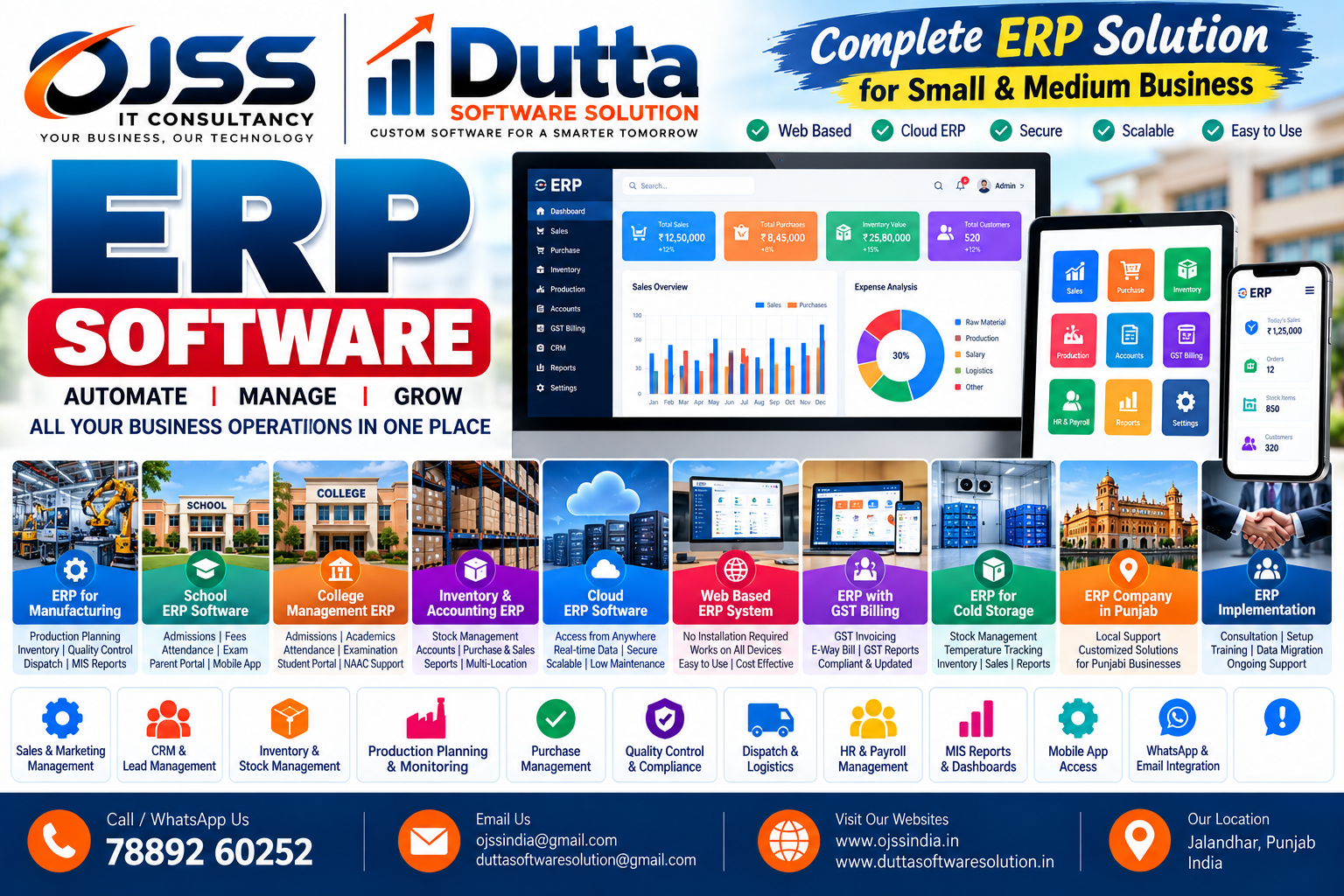
Web-Based ERP System – Features and Modules
A web-based ERP is accessed through a browser rather than requiring every user to maintain a separate desktop installation.
How features and modules fits into an ERP project
Review the modules and workflows needed, then select features that match the operating process. For teams that prefer browser-based business tools, the right design depends on transaction volume, team responsibilities, approval steps and required reports. OJSS IT Consultancy can discuss requirements and map them to a practical software scope.
Capabilities to review
- Browser access
- Responsive screens
- Centralised records
- Role-based dashboards
- Workflow configuration
Questions before implementation
Document who creates each transaction, who approves it, what data must be captured and which reports are needed daily or monthly. Confirm requirements for branches, imports, integrations and special approval rules. A requirements workshop helps keep the project scope practical.
Implementation approach
A sensible rollout includes process discovery, agreed module scope, master-data preparation, configuration, sample-data testing, user training and a controlled launch. Reconcile opening balances and test real examples before relying on live reports. Agree on security permissions, backups and support responsibilities.
ERP solutions from OJSS IT Consultancy
OJSS IT Consultancy provides ERP and business software services for organisations seeking more organised workflows and reporting. The final configuration should be confirmed after discussing industry, users, existing applications and operating requirements.
Discuss your requirements: Call 7889260252 or email ojssindia@gmail.com. Visit ojssindia.in to contact OJSS IT Consultancy and request a consultation or product demonstration.